
Edit RFQ Details
Feb 16, 2026●
 0
0Frequently Asked Questions
- How do I start editing an RFQ?
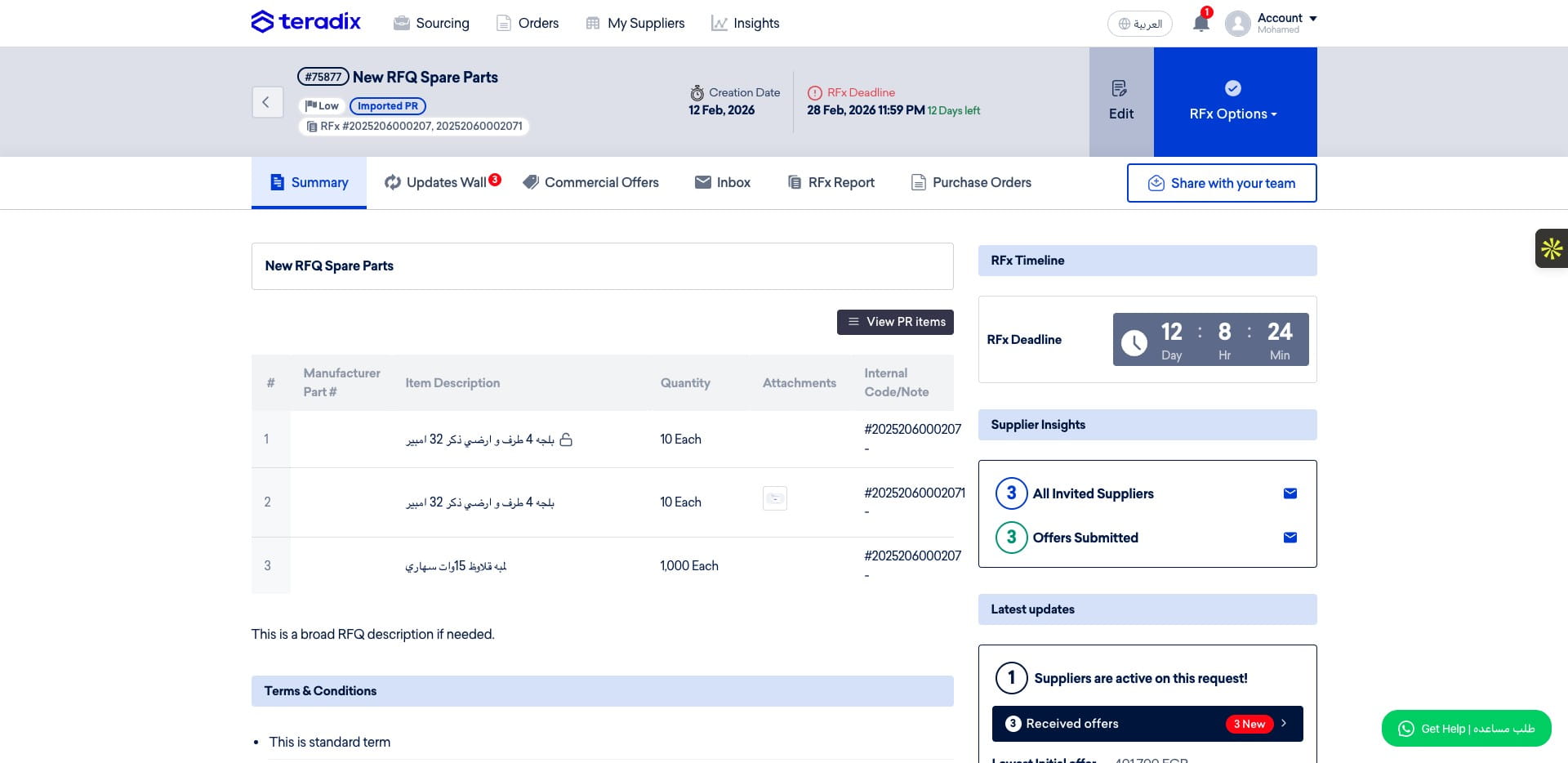
Navigate to https://app.teradix.com/project/698ddfcb968566001c7051aa and click "Edit" to modify the RFx details.
- How do I change whether suppliers can submit alternative proposals?
After clicking "Edit" on the RFx, modify the option that controls whether suppliers can submit alternatives or not.
- How can I share the RFx with others or change evaluation settings?
While in the Edit view you can share the RFx with additional users, edit the evaluation criteria selected for this RFQ, and change the evaluators.
- How do I add new suppliers to the RFQ?
Click on "Invite Supplier," then select "Add new Supplier" to add more suppliers.
- How do I remove suppliers and make sure my changes are applied?
Remove the suppliers you want from the RFQ (this action will be logged). Then click "Save Changes" to apply all changes.